The Pi Coding Agent
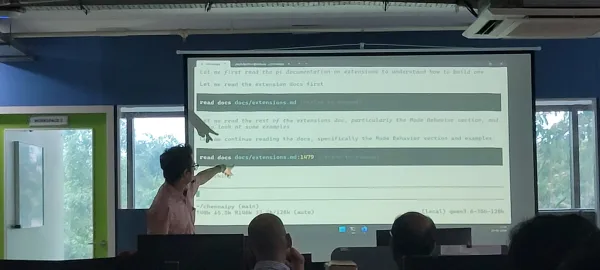
Last month I did a session at the local ChennaiPy meetup about "Pi and Py: Using the Pi agent for Python coding".
Pi is a coding agent harness. If you've used Claude Code or Codex for coding, then Pi is similar to those tools. You can learn more about Pi below:

Open source Coding Harnesses
One differentiator between Pi and Claude Code / Codex is that Pi is open source. Another tool in the open source agentic coding space is Opencode. There are two big advantages of using an open source harness.
One, it's not tied to any single model provider. If you use Claude Code, you are tied to Anthropic models, but Pi and Opencode allow you to choose any model you want. You can use Anthropic / OpenAI models if you have a subscription there, or you can use any number of open models that are available via OpenRouter and similar services. Many open models can give 80-90% quality of frontier models at a fraction of the cost, giving a viable alternative to organisations that are seeing their AI bills take off.
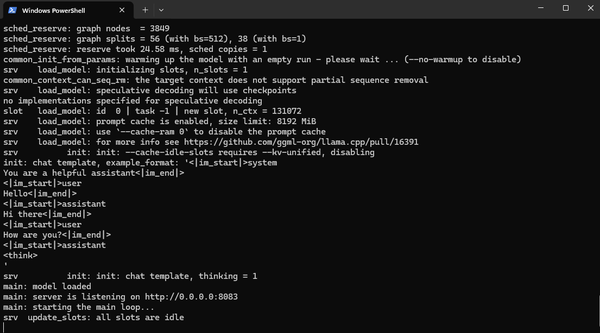
Another nice possibility is the ability to connect to locally running models. For my ChennaiPy session, I had Qwen 3.6 35 billion parameter model running on my desktop computer at home and configured Pi to use this model throughout the session.
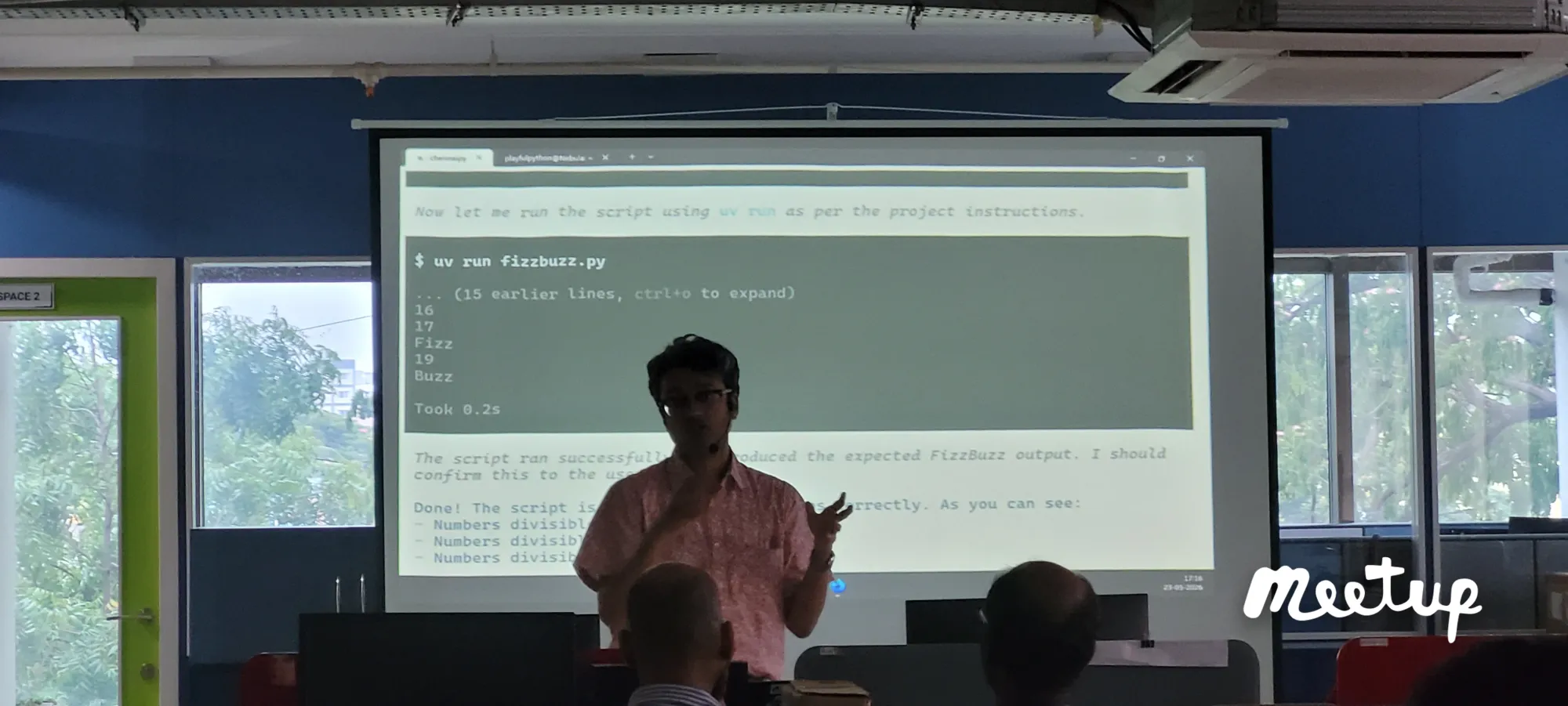
While a local model does not have all the capabilities as the frontier models, it costs zero to run (besides the initial cost of buying the GPU of course), which is a huge positive.
Current trends in AI are towards using different models for different tasks:
- Local models for simple code generation or straightforward analysis
- Last gen models for complex code generation
- Frontier models for detailed planning, reasoning and analysis prior to code generation
A harness like Pi is well suited to this kind of workflow as you can choose the appropriate model for each type of task.
A minimal, extensible harness
What differentiates Pi from Opencode, which is also open source?
Claude Code, Codex and Opencode are "batteries included" harnesses, to use a Python term. This means they come already bundled with a number of features like
- Guardrails
- Skills
- Subagents
- Many tools
- Agent modes (plan / build)
- MCP support
- Heavy system prompts and other prompts to force more reliable results
While this large bundle of features is good for teams getting started, it comes with some notable downsides:
- Large system prompts with lots of tools predefined eats up a significant amount of the token context right off the start. Not only does this worsen the quality of the agent as the conversation length increases, the huge prompts also consume a lot of tokens – resulting in more cost and easier to hit rate limits
- Moreover, the way the harness works can't be customised. If you dont like the tools that are present or want plan mode to work in a different way, then you are out of luck
Pi by contrast is a very minimal harness. It includes a basic system prompt, and four simple tools. It has very little else - no subagents, no guardrails. What it does have is a robust extension system. This means you can install extensions written by others or write them yourself (or get the agent to write them) to change the way the tool works.
In a way, the traditional tools are the heavyweight IDEs and Pi is the vi equivalent that you can customise as you like.
I have a quirk in my workflow: I really like to get into plan mode and develop a plan before asking the agent to build it. I also like to write the plan onto disk into a file docs/PLAN.md within my git repository. Unfortunately, plan mode disables writing to disk, which means I need to get into build mode just to write the plan to disk.
Pi doesn't come with Plan mode at all – but we can build one easily.
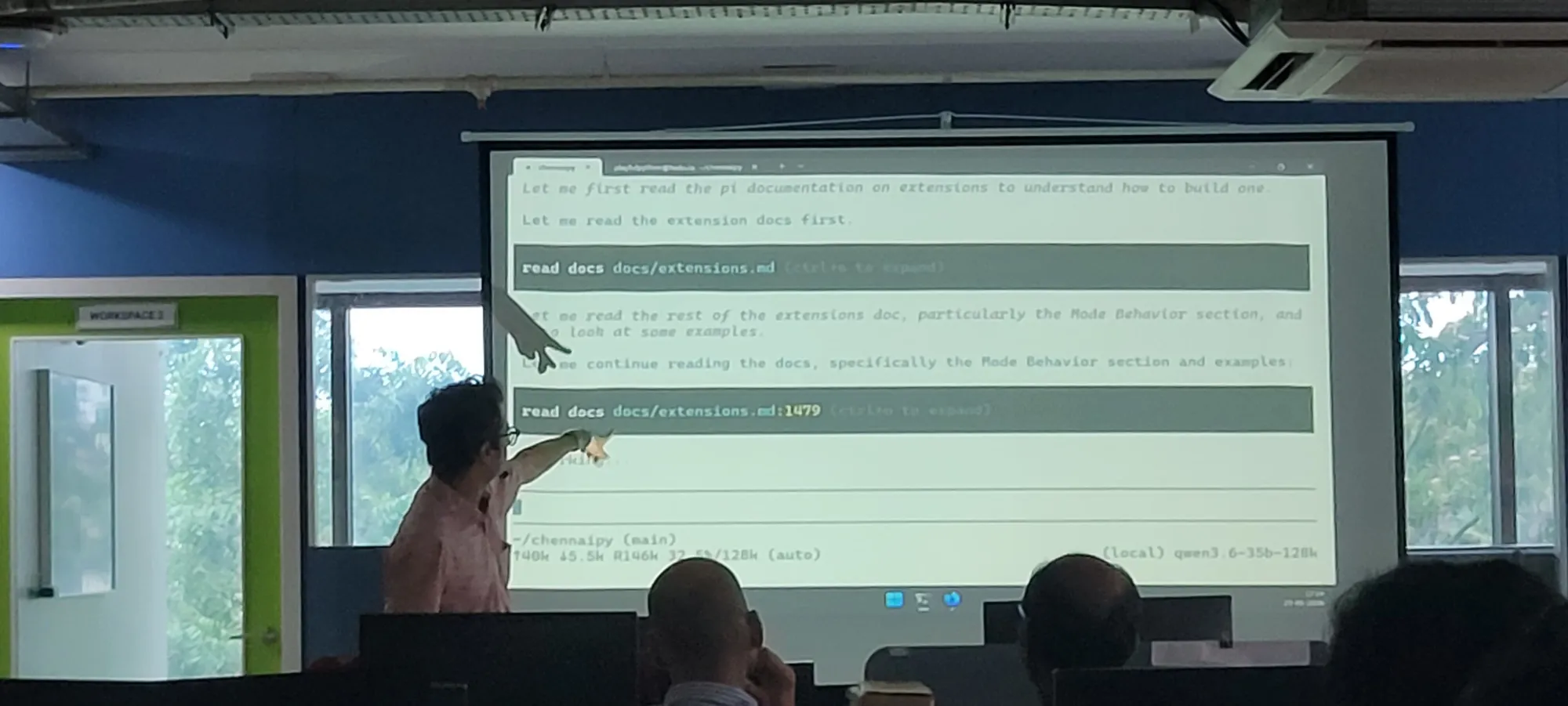
At the ChennaiPy session, I asked the agent to develop a plan mode extension. I told it that in plan mode, all destructive operations should be disabled. However, it should be allowed to write to docs/PLAN.md and this file ONLY.
Pi dutifully went and build this exact extension – an extension that is suited to my personal coding workflow and my personal quirks.
That's really the nice thing about having an extensible agentic harness - you can get it to work they way that you prefer to.
Summary
That was my session at ChennaiPy about the Pi coding harness for Python coding. If you want to give it a try, you can get it at the link below

Written by
What's Next?
Running AI Models Locally
In the previous article, I mentioned how I used the Pi coding harness and connected it to a Qwen 3.6 35 billion parameter model that was running locally on my desktop. In this article, I'll go through my setup and how I got it running. Hardware The nice bit of the Qwen 3.6 35b model is that it can run on mid- and high-end consumer hardware. This is what my desktop configuration looks like: * Nvidia RTX 5080 graphics card * 16 GB VRAM (for the GPU) * AMD Ryzen 7 9800X3D processor * 64 G